Wave Desktop v2: The Full App on Your Computer — No Bots Required
Wave Desktop is now a full-featured app for Mac and Windows. Record meetings without bots, place phone calls, and access your entire Wave library right from your computer.
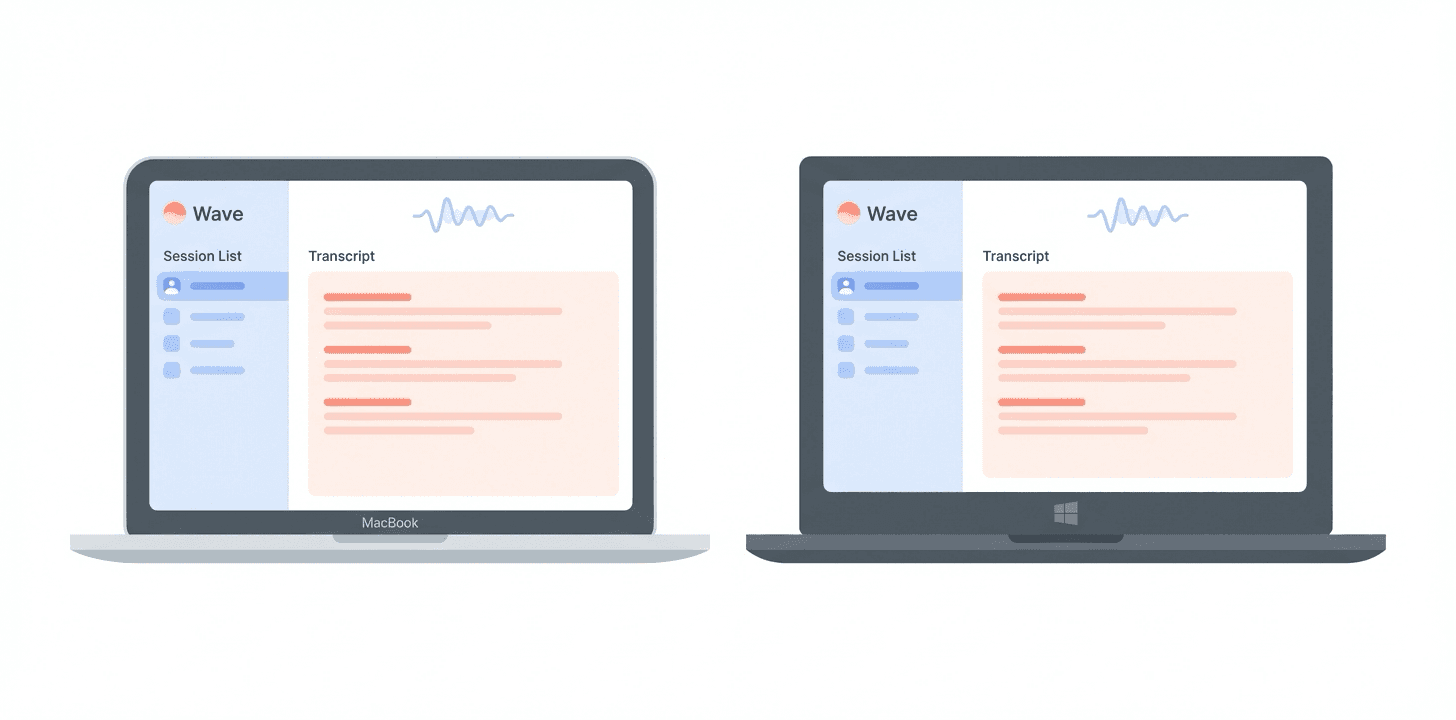
Wave Desktop used to be a small recording widget. Wave Desktop v2 is the full Wave app, natively on your Mac or Windows computer. Same account as your phone, same library, every feature — plus the one thing only a desktop app can do: capture your meetings in the background without a bot joining the call.
Download Wave Desktop for Mac or Windows →
Here's what's in it.
1. Record Meetings Without Bots
The killer feature. Wave Desktop records your microphone and your computer's system audio at the same time, so it captures both sides of any call — Zoom, Google Meet, Microsoft Teams, Slack huddles, Discord, anything playing through your speakers — without joining the call as a visible participant.
- No "Otter Notetaker" in the participant list
- No notification to other attendees
- No awkward explanations to clients
- Works on any meeting platform, including ones Wave's bots don't support
And because it's included with your Wave subscription, you can record unlimited meetings and unlimited minutes on desktop — no per-meeting cost, no monthly cap, no overage fees.
Get Wave Desktop and your next meeting is captured — no bot, no notification, no awkwardness.
2. Make Phone Calls From Your Desktop
Just like the mobile app, Wave Desktop can place outbound calls to any phone number — and every call is automatically recorded, transcribed, and summarized. Dial a client, a conference bridge, or your mom; the whole conversation lands in your Wave library the moment you hang up. No headset gymnastics, no third-party call recorder, no second device on speakerphone.
3. Your Entire Wave Library, Right on Your Computer
v2 isn't just a recorder anymore — it's the full app. Sign in with your existing Wave account and everything is there:
- Every session from every device — phone, Apple Watch, Chrome extension, meeting bots, phone calls, imports, and desktop
- Full transcripts with speaker labels
- AI summaries with key points and action items
- Chat with Wave — ask questions about any recording
- Library search across everything you've ever recorded
4. Synced With Your Phone, Automatically
Same Wave account, same library, everywhere. A recording you make on your iPhone this morning is waiting on your laptop when you sit down. A meeting you capture on your laptop this afternoon is on your phone by the time you leave your desk. No sync button, no import step.
5. Mac and Windows, Same App
Native on both platforms, with the same interface and the same features. Sign in with Google, Apple, Facebook, or Microsoft — whichever account you already use for Wave — and your full library is there the moment you log in.
Getting Started
Download Wave Desktop for Mac or Windows. On first launch, Mac will ask for microphone and screen recording permissions — both are needed to capture system audio. Full setup walkthrough in the Wave Desktop help guide.
The next meeting on your calendar doesn't need a bot. It just needs Wave Desktop running in the background. Download it here.
Learn more about Wave
Try Wave free — record, transcribe, and summarize on your phone.