← All comparisons
Wave Team·

Wave vs Granola

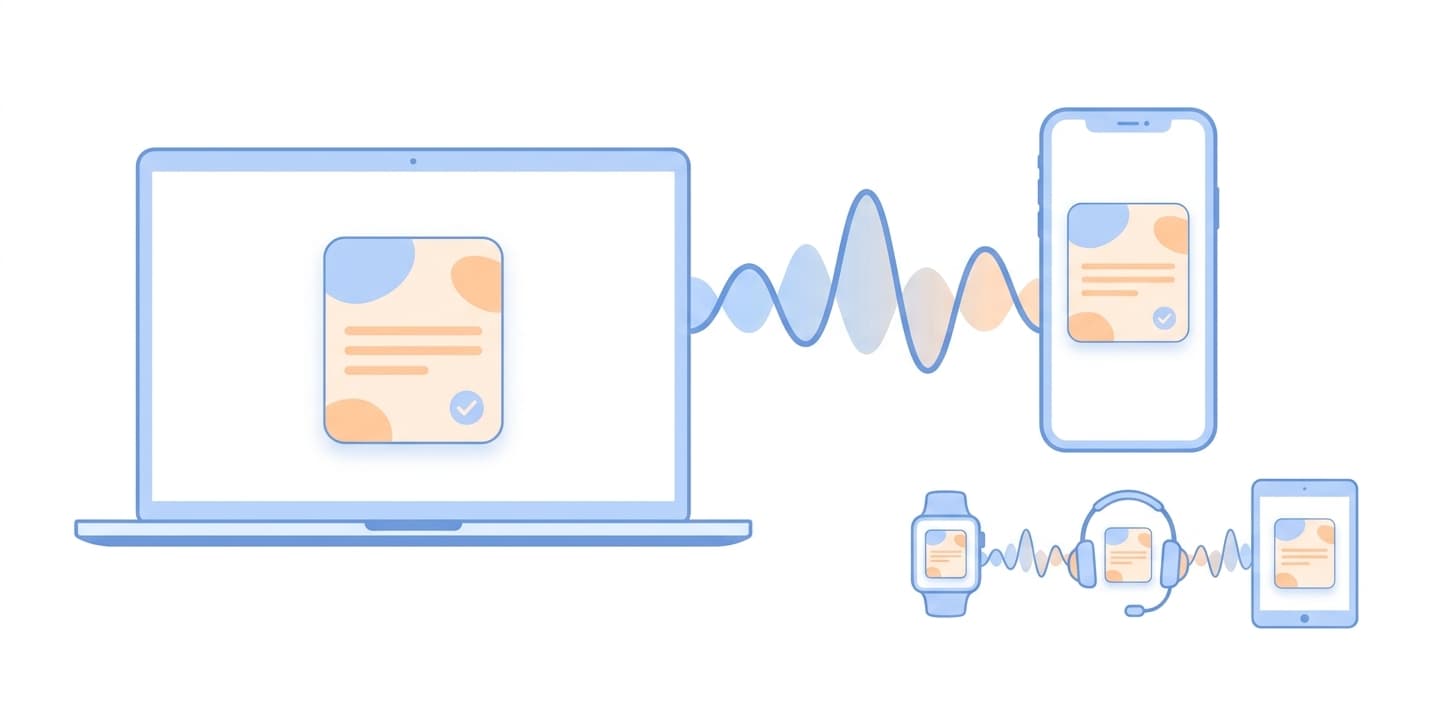
Granola earned a loyal following for its taste in note style and its system-audio capture on the Mac. Wave is built for the same job — clean AI notes from your meetings — but with a far wider surface: iPhone, Android, the web, Mac, Windows, and Apple Watch, plus in-person meetings, phone calls, and bot-based virtual meetings.

Wave vs Granola — AI Note Taker Comparison

Granola became a cult favorite by doing one thing very well: capturing Mac system audio during a video call and turning it into a clean, opinionated set of notes. It removed friction for people who already live inside Mac meeting apps and want notes that read like a person wrote them.

Wave is solving the same job — clean AI notes from real conversations — but the underlying capture model is different, and that difference shapes who each tool fits.

How they capture audio

Granola records system audio on a Mac while you’re in a video call. You hear the other side through your speakers; Granola hears it too. It does not run on iPhone or Android, does not record phone calls, and does not join meetings as a bot. As of 2026 a Windows build is in development but the product remains primarily a Mac app.

Wave records four ways, each appropriate for a different conversation type:

  • In-person, on your phone or Apple Watch. Press record and capture the room — meetings without a Zoom link, hallway conversations, doctor appointments, lectures.
  • Phone calls. A built-in Phone Bridge records incoming and outgoing iPhone calls — something Granola cannot do.
  • Calendar meeting bot.Connect Google Calendar or Outlook and a Wave bot auto-joins your scheduled Zoom, Google Meet, and Microsoft Teams calls. Works whether you’re on Mac, Windows, or your phone — no Mac required.
  • System audio on the desktop. Wave Desktop for Mac and Windows captures mic + system audio simultaneously, same as Granola does on Mac.

Where each tool wins

Pick Granola if:you live on a Mac, all your meetings are scheduled video calls, and you value Granola’s opinionated note style enough to commit to a single platform.

Pick Wave if: your conversations happen on multiple devices and in multiple formats — phone calls, in-person, Zoom on your laptop, lectures on your phone, quick voice memos on your watch. Or if you want bot-based capture without keeping the Mac open.

Platform coverage at a glance

SurfaceWaveGranola
iPhone
Android
Mac desktop
Windows desktopIn development
Web app
Apple Watch
Phone calls
In-person meetings
Calendar bot (Zoom / Meet / Teams)
System-audio capture on desktop

The bottom line

Granola is a great Mac app for people whose entire meeting life happens on their Mac. Wave goes wider — same job, more surfaces — and is the answer when meetings happen on your phone, on a call, in the room, or at a desk that isn’t always a Mac. See all the ways to record with Wave and the Wave Desktop app for Mac and Windows.

Common questions about Wave vs Granola

Does Granola work on iPhone or Android?

No. Granola does not have a mobile app on iPhone or Android. The product runs primarily as a Mac desktop app. If you take meetings and calls on your phone, Wave records on iPhone, Android, the web, Mac, Windows, and Apple Watch with every recording syncing across devices.

Can Granola record phone calls?

No. Granola is built for video calls captured through your Mac’s speakers — it cannot record an iPhone call or any PSTN phone conversation. Wave includes a Phone Bridge that records incoming and outgoing iPhone calls directly.

Can Granola record in-person meetings?

Not effectively. Granola captures system audio on a Mac, so an in-person conversation has no audio for it to grab unless you stage your phone or another mic into the Mac. Wave is built for in-person capture — press record on your phone, the Wave Desktop app, or your Apple Watch and it captures the room directly.

Does Granola send a meeting bot to Zoom or Teams?

No. Granola records the meeting from the Mac you’re joining the call on — your Mac has to be running, awake, and in the call. Wave can either do the same via Wave Desktop, or send a meeting bot to Zoom, Google Meet, and Microsoft Teams so meetings are captured even when you’re not at the computer.

Is there a Granola Windows version?

A Windows build has been in development. Until it ships and reaches parity, Granola users on Windows are out of luck. Wave Desktop ships for both Mac and Windows today, and Wave on the web works on any browser.

Compare Wave with other tools: Wave vs Otter.ai · Wave vs Fireflies.ai · Wave vs Fathom · Wave vs Descript

Wave app screenshot showing meeting transcription
Wave AI note taker background pattern
Start today

Wave. Catch every word