Wave Is Now Native in Claude and ChatGPT
Wave AI Note Taker is live in the Claude connector directory and the ChatGPT app directory. Connect in one click and ask either assistant about any meeting you have recorded.
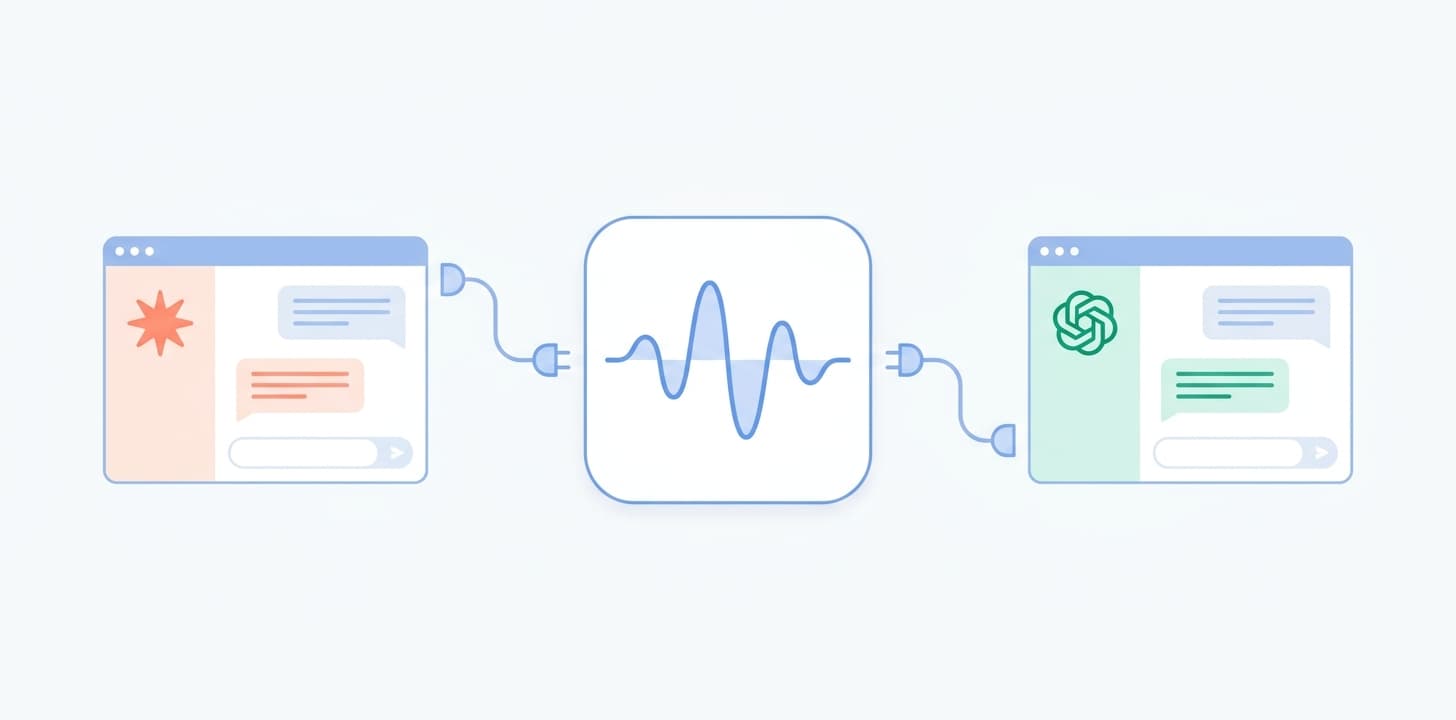
In July we shipped the Wave connector for Claude, and the setup asked a small favor of you: open your assistant's settings, paste in mcp.wave.co, approve the connection. Reasonable — but a step most people never take.
As of this week, that step is gone. Wave is published as Wave AI Note Taker in both the Claude connector directory and the ChatGPT app directory. Open the listing, click connect, sign in with Wave. Your meeting memory is now part of the conversation.
In Claude
Find Wave AI Note Taker in the connector directory and Claude can search everything you've recorded — on the web, desktop, and mobile. Ask about a decision from three weeks ago and it answers from the actual transcript, speaker labels and all. The same connection powers Claude Code, so agents and automations you build there get your meeting context too. Full guide: Wave for Claude.
In ChatGPT
Install Wave AI Note Taker from the app directory — no Developer Mode required — and ChatGPT can search your meetings in regular chats, in company knowledge, and in Deep Research. Your own conversations become a source it can draw on and cite back to the session they came from. Full guide: Wave for ChatGPT.
Things That Start Working
- “What did we decide about pricing last quarter?” — answered from the transcripts, not from memory.
- “Pull the action items from Monday's standup and draft the follow-up email.”
- “I'm meeting Sarah in an hour — what did we talk about last time?”
- A Deep Research run that treats your own meetings as a first-class source alongside the web.
Same Server, Your Rules
Both listings sit on the same Wave MCP server at mcp.wave.co, built on the open Model Context Protocol. Access is OAuth-scoped: you approve what an assistant can do when you connect — searching and reading your sessions, plus organizing folders and updating action items if you allow it — and you can revoke it anytime. Your recordings are never used to train AI models.
The manual path still works everywhere MCP does — Cursor, Windsurf, Zed, your own agents — by pasting mcp.wave.co. Every surface, including the API and CLI, is laid out at wave.co/agents.
Try It on Your Next Meeting
If you record with Wave, this is a two-minute upgrade: add Wave from Claude's connector directory or ChatGPT's app directory, then ask about your last meeting. If you don't record with Wave yet, the free tier is the place to start — record something, connect an assistant, and ask.
Learn more about Wave
Try Wave free — record, transcribe, and summarize on your phone.