Wave Comes to Wear OS: Record From Your Watch
Wave now records directly from Wear OS smartwatches — Galaxy Watch, Pixel Watch, and more. Tap record on your wrist, capture a conversation, and it syncs to your Android phone automatically.
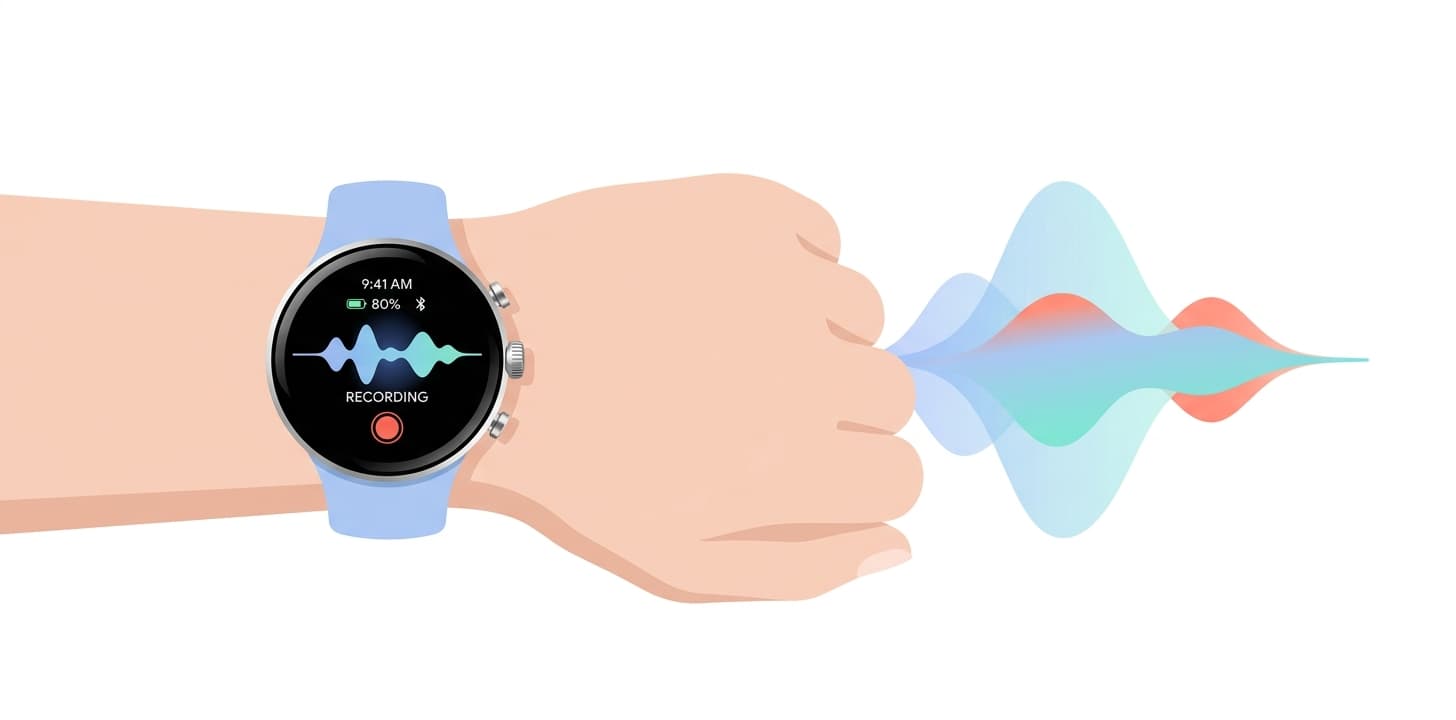
We brought Wave to the wrist on Apple Watch earlier this year, and the single most common request since has been simple: “Do it for my Android watch.” Today we are. Wave now runs on Wear OS — tap a button on your Galaxy Watch, Pixel Watch, or other Wear OS smartwatch and you're recording.
Why a Watch Recorder Matters
The best recording device is the one you don't have to think about. Your phone is in your pocket or across the room. You're walking between meetings, or a thought hits you mid-conversation. Reaching for your phone, unlocking it, and opening an app takes long enough that the moment is often gone. A recorder on your wrist is one tap away.
Wear OS has never had a real answer here. The built-in experience gives you an audio file at best — nothing searchable, nothing summarized. Wave changes that: every wrist recording becomes a full transcript with speaker labels and an AI summary, in the same library as everything else you record.
How It Works
Open Wave on your Wear OS watch and tap the record button. That's the whole setup. Wave captures audio through the watch's built-in microphone, and when you're done, the recording syncs to the Wave app on your Android phone. From there it's processed like any other Wave session — a verbatim transcript with automatic speaker attribution in 76 languages, plus an AI summary in whatever format you've chosen.
You don't need to keep your phone in reach the whole time. The watch app holds your recording and hands it off automatically once your phone is back in range, so nothing is lost if you wander out of Bluetooth range mid-capture.
Which Watches Work
Wave runs on modern Wear OS smartwatches, including the Samsung Galaxy Watch and Google Pixel Watch families. You'll need:
- A watch running a recent version of Wear OS
- The Wave app installed and signed in on your paired Android phone
Once Wave is on your phone, install it on the watch from the Play Store on your wrist (or from the companion Watch section on your phone) and sign in with the same account. While you record, Wave shows an ongoing activity on your watch face that takes you straight back to the recording. More detail on the Wear OS voice recorder page.
When to Use It
The watch isn't a replacement for your phone or Wave Desktop. It's for the moments when pulling out a phone would be awkward or impractical:
- Walking meetings. Moving between buildings with a colleague? Tap record on your wrist without breaking stride.
- Quick voice memos. An idea hits you in the parking lot. Capture it before it evaporates.
- Hands-full moments. On a site visit, in the field, or mid-task when your phone is nowhere near.
- Conversations where a phone on the table feels off. A watch on your wrist is less conspicuous than a phone pointed at someone. As always, follow local recording consent laws.
Tips for Better Watch Recordings
- Keep your wrist steady. Movement creates noise. Resting your arm or holding it still gives the microphone a cleaner signal.
- Angle toward the speaker. The watch mic is small. Pointing your wrist toward whoever is talking helps capture clearer audio.
- Check your battery before long sessions. A quick glance before a long meeting saves you from a mid-session cutoff.
Everything Syncs
A recording captured on your Wear OS watch appears in your Wave library alongside recordings from your phone, the Wave desktop app, the Chrome extension, and meeting bots. Same transcript, same AI summary, same searchable archive. It doesn't matter how you record — everything ends up in the same place. iPhone user with an Apple Watch? The same one-tap wrist recording has been there all along; see Wave for Smart Watch.
Learn more about Wave
Try Wave free — record, transcribe, and summarize on your phone.