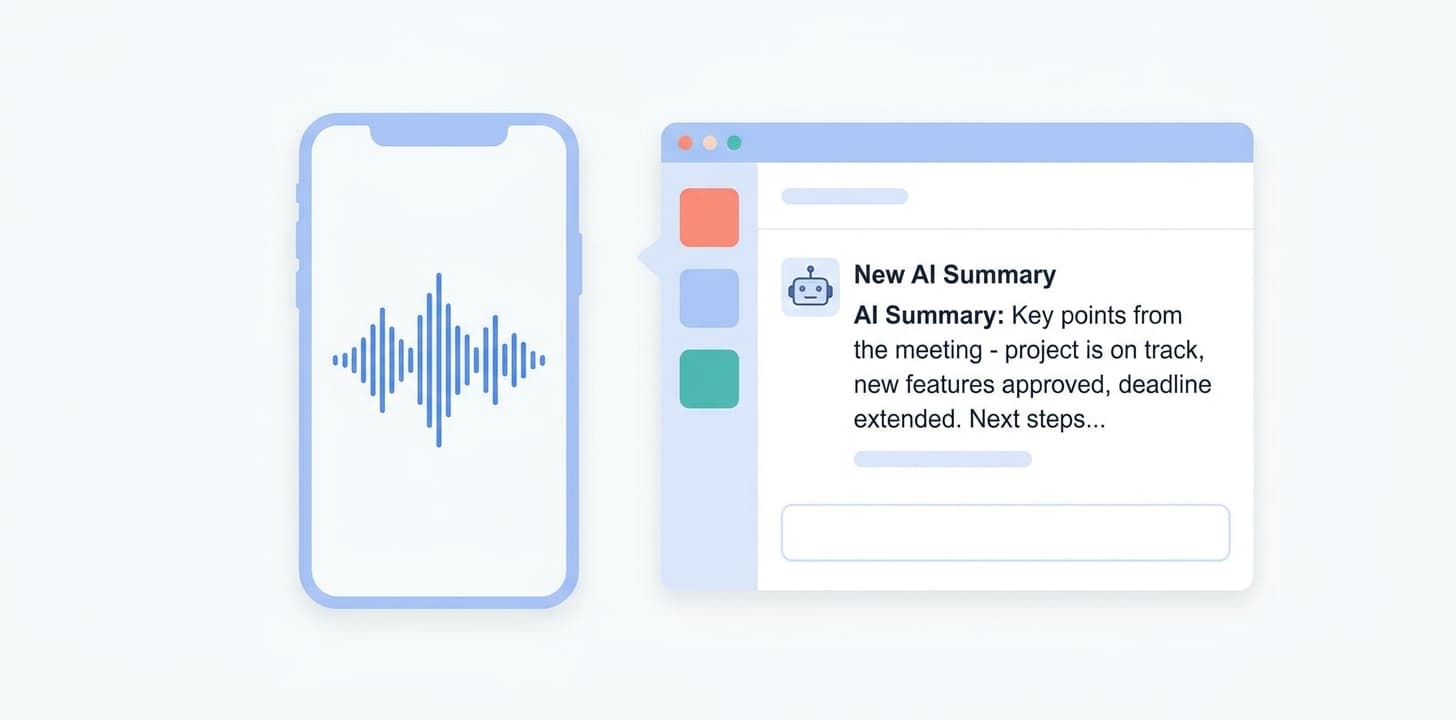
Wave captures the meeting and writes the summary. Slack is where your team actually reads it. Connect the two and share Wave summaries into the right channel or DM in one tap.
No. Wave only posts to channels and DMs you authorize. It does not read your existing Slack messages or content.
Yes — invite the Wave Slack app to the private channel and it appears as a destination. Public channels work without an invite.
Wave shares the summary text and a link back to the Wave session. The audio itself stays in Wave; anyone with access to the session can play it there.
Yes, from Settings → Integrations. You can also revoke Wave's access directly from your Slack workspace's app management.
Other integrations: Claude · Claude Code · ChatGPT · Codex · Cursor · Grok · Muse · Zoom · Google Meet · Microsoft Teams · Google Calendar · Microsoft OneNote · Notion · Zapier



Product
Use Cases
Compare
All rights reserved
Made with love in New York City