Connect your Google Calendar once. From that point on, every scheduled Zoom, Google Meet, and Microsoft Teams meeting on your calendar gets a Wave bot — captured, transcribed with speaker labels, and summarized after the call.
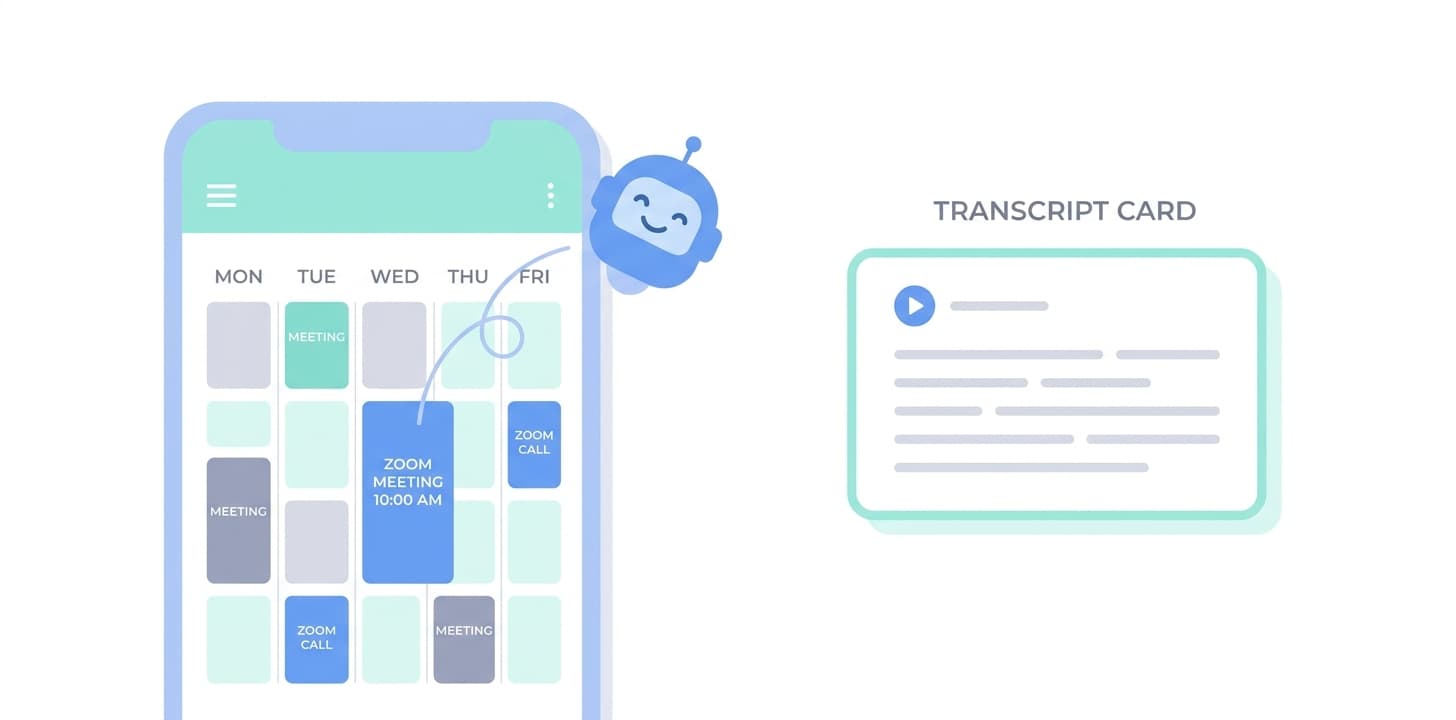
Full walkthrough: Google Calendar setup in the Wave Help Center
Wave requests read-only access to events on your calendar so it can find Zoom/Meet/Teams join links. It does not modify your calendar, create events, or read anything beyond what's needed to schedule the bot.
Yes. Add additional Google accounts in Settings → Calendar. Each connected calendar is monitored independently for meeting invites.
Wave only sends a bot if the event has a recognizable Zoom/Meet/Teams join link. You can also toggle individual meetings off, or disable auto-join entirely from Settings.
Yes, from Settings → Calendar. Wave's access can also be revoked directly from your Google Account permissions.
Other integrations: Claude · Claude Code · ChatGPT · Codex · Cursor · Grok · Muse · Zoom · Google Meet · Microsoft Teams · Microsoft OneNote · Notion · Slack · Zapier



Product
Use Cases
Compare
All rights reserved
Made with love in New York City