Meeting Bot integration

Wave for Google Meet

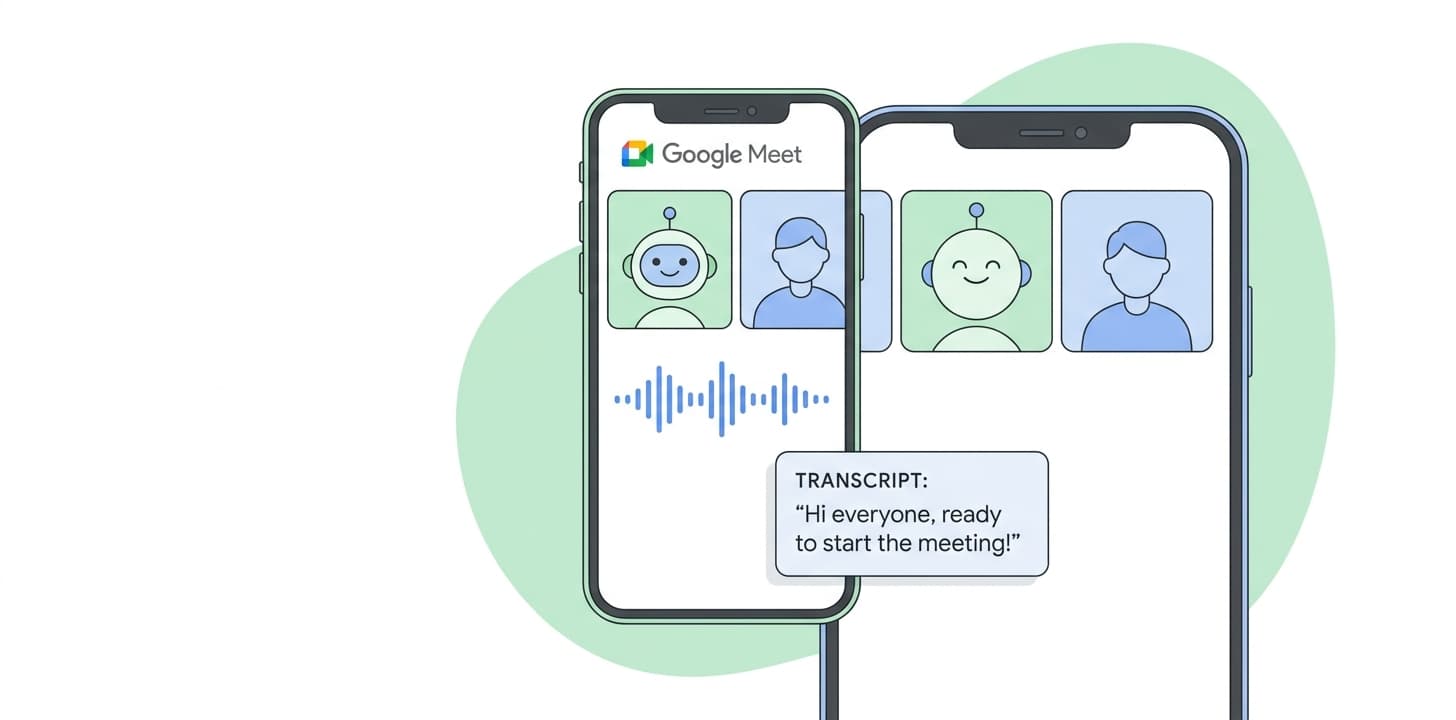
Connect your Google or Outlook calendar and a Wave meeting bot will auto-join every scheduled Google Meet. After the meeting you get a transcript with speaker labels and an AI summary — without ever pressing record.
Wave for Google Meet
Bot joins every scheduled Meet automaticallyWhen a Google Meet invite lands on your connected calendar, a Wave bot joins on time and records the audio for the duration of the call.
76-language transcription with speaker labelsWave produces a verbatim transcript with automatic speaker attribution. Voice ID labels recurring participants by name across all your future calls.
Customizable AI summaryPick from built-in templates — meeting notes, action items, sales call, executive summary, lecture notes — or save your own. Wave applies the template after every Meet automatically.

How to set it up

  1. Sign in to Wave on iOS, Android, or app.wave.co.
  2. Open Settings and connect your Google Calendar or Outlook Calendar.
  3. Add or accept a Google Meet on that calendar — Wave detects the Meet link automatically.
  4. At meeting time the Wave bot joins. The host may need to admit it depending on the meeting's admission settings.
  5. When the meeting ends, the transcript and summary appear in your Wave session list.

Full walkthrough: Google Meet setup in the Wave Help Center

Who it’s for

  • Teams running standups, all-hands, and 1:1s on Google Meet
  • Customer-facing roles capturing discovery and onboarding calls
  • Educators and trainers running remote sessions
  • Anyone in a Google Workspace org who lives in Meet

Things to know

Frequently asked

Does Wave work for Google Meet calls created from Google Calendar?+

Yes. Google Calendar is the most common source — Wave auto-detects the Meet link from the calendar invite and joins at start time.

What if my Workspace blocks external bots?+

Ask your admin to allow Wave's meeting bot, or use Wave Desktop to capture the call's audio locally without sending a bot.

Does Wave record Meet video?+

No — audio only. Wave transcribes and summarizes what was said; it does not store video.

Can I record a Meet I am hosting?+

Yes. As host you can admit the Wave bot like any participant. Or capture locally with Wave Desktop without a bot at all.

Are my Meet recordings used to train AI?+

No. Wave does not use your recordings, transcripts, or summaries to train AI models.

Other integrations: Zoom · Microsoft Teams

Wave app screenshot showing meeting transcription
Wave AI note taker background pattern
Start today

Wave. Catch every word