Automation integration

Wave for Zapier

Wave's Zapier integration turns finished recordings into the input for anything else you want to do — log to your CRM, post to a Notion database, kick off a follow-up email, send action items to a project tool. No code, just triggers and actions.
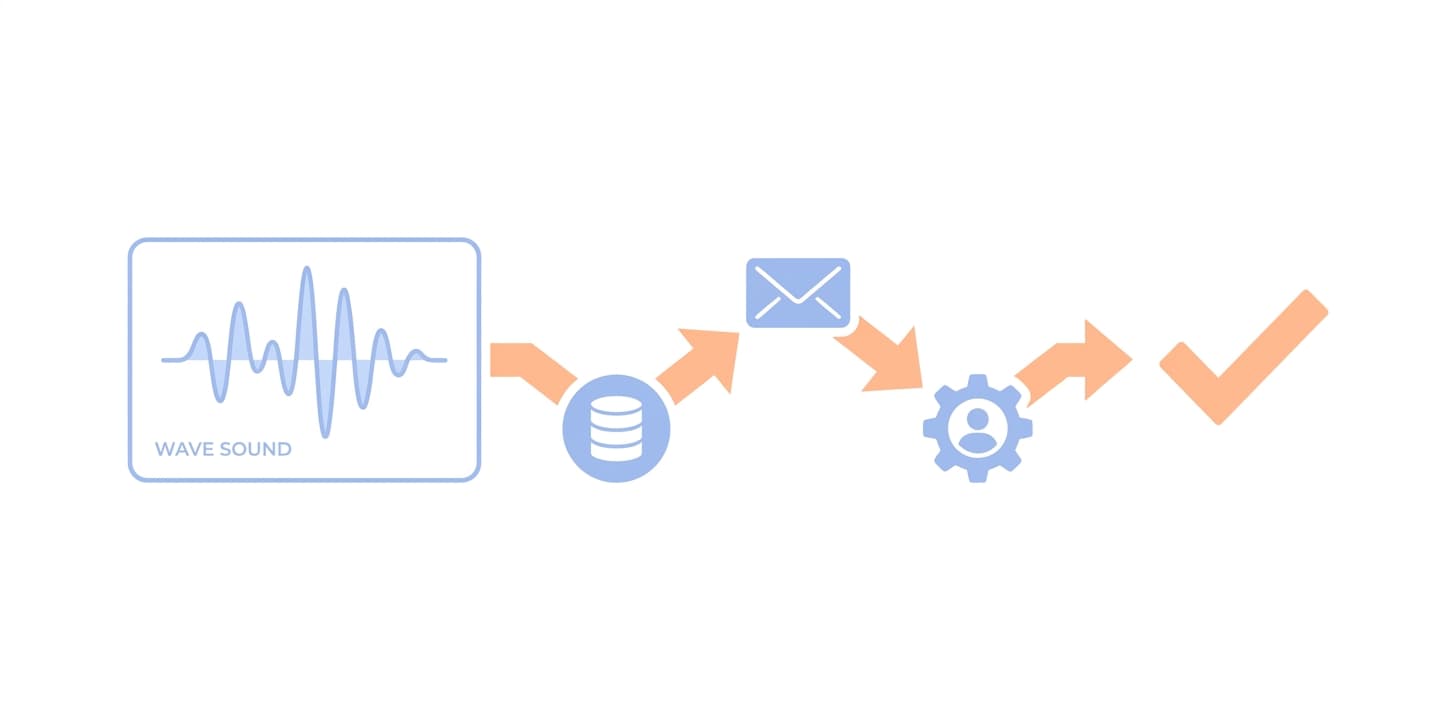
Wave for Zapier
Triggers on recording eventsStart a Zap when a new Wave recording is saved, when its transcript is ready, or when its AI summary completes.
Use the summary, transcript, and metadata downstreamPipe Wave's structured outputs — title, date, participants, summary, action items, full transcript — into any of Zapier's 6,000+ connected apps.
Best for cross-tool automationSend sales-call action items to a CRM, push lecture summaries to a class folder, file weekly 1:1 notes into a shared doc — anything that needs the meeting output to leave Wave.

How to set it up

  1. Open Zapier and create a new Zap with Wave as the trigger.
  2. Sign in to Wave when prompted and authorize Zapier's access.
  3. Pick a trigger event: 'New Recording', 'Transcript Ready', or 'Summary Ready'.
  4. Choose any of Zapier's actions for the rest of the Zap — Notion, Slack, Salesforce, HubSpot, Airtable, etc.
  5. Test the Zap with a recent recording, then turn it on.

Who it’s for

  • Anyone wiring meeting output into a stack of other tools
  • RevOps and sales engineers piping calls into CRMs
  • Solo operators automating client follow-ups
  • Teams without engineering bandwidth for the Wave API

Things to know

Frequently asked

What's the difference between Zapier and the Wave API?+

Zapier is no-code and best for moving recording outputs between off-the-shelf apps. The Wave API and MCP server are for developers building custom logic, real-time workflows, or anything that needs more control than a Zap can express. Many teams use both.

Do I need a paid Zapier plan?+

Zapier has a free tier that handles low-volume automation. Higher-volume or multi-step Zaps may need a paid Zapier plan — that's a Zapier billing question, not a Wave one. Wave's side of the integration is included with your plan.

Can I trigger a Zap from a specific keyword in a transcript?+

Yes — use 'Summary Ready' or 'Transcript Ready' as the trigger, then add a Zapier Filter step that matches on the keyword you care about before the action fires.

Where do I find the Wave Zapier app?+

Search 'Wave' in Zapier's app directory, or open the integration link from inside Wave at Settings → Integrations.

Other integrations: Zoom · Google Meet · Microsoft Teams · Google Calendar · Microsoft OneNote · Notion · Slack

Wave app screenshot showing meeting transcription
Wave AI note taker background pattern
Start today

Wave. Catch every word