Meeting Bot integration

Wave for Microsoft Teams

Connect your Outlook or Google calendar and a Wave meeting bot joins every scheduled Microsoft Teams call. You get a speaker-labeled transcript and an AI summary after the meeting — no admin add-ins, no manual recording.
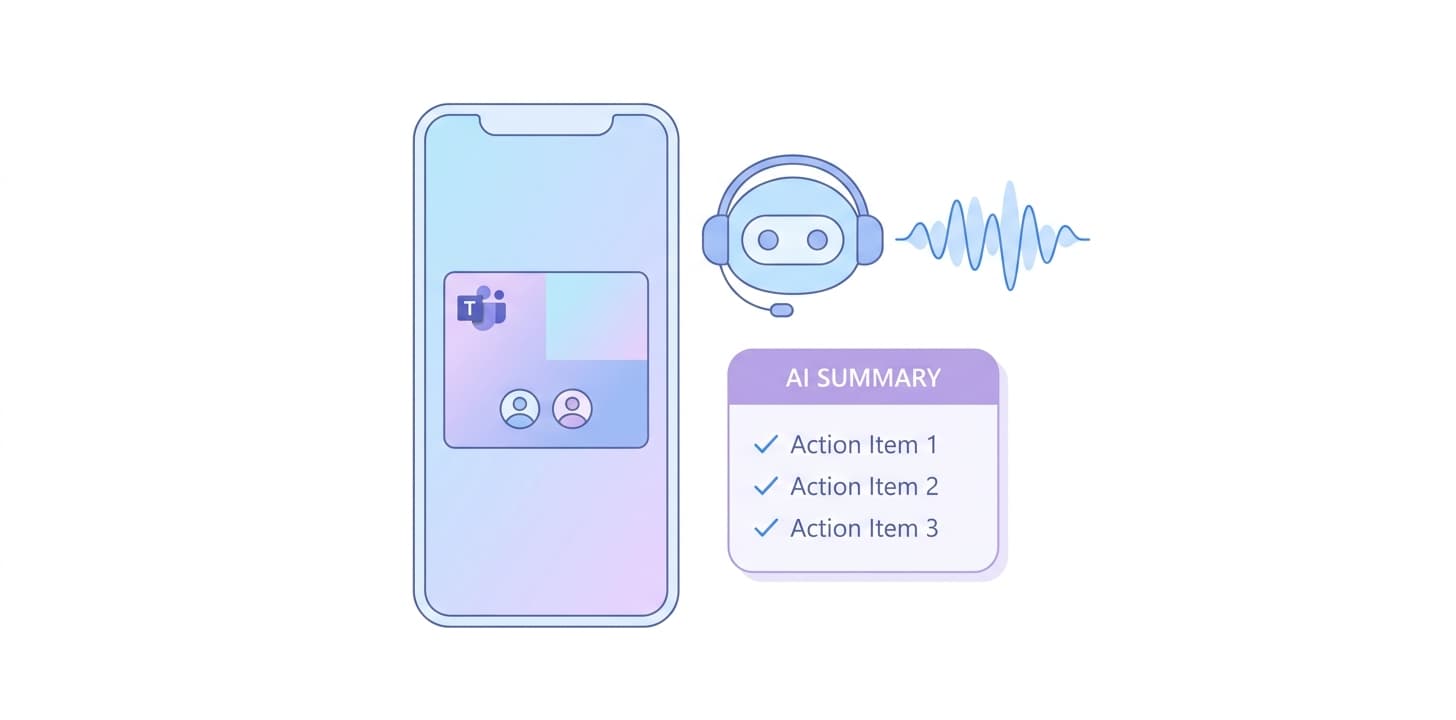
Wave for Microsoft Teams
Bot joins your Teams calls on timeConnect your calendar and Wave detects every Teams invite. The bot joins at the scheduled start time and records for the duration of the meeting.
Speaker-labeled, multi-language transcriptWave produces a verbatim transcript in 76 languages with automatic speaker attribution. Voice ID makes recurring participants identifiable across meetings.
AI summary in your team's formatUse built-in templates or save your own — meeting notes, action items, exec summary, sales call, project update. Wave applies the template after every Teams call.

How to set it up

  1. Sign in to Wave on iOS, Android, or app.wave.co.
  2. Open Settings and connect your Outlook (Microsoft 365) or Google calendar.
  3. Schedule a Teams meeting on that calendar — Wave detects the Teams join link from the invite.
  4. At meeting time the Wave bot joins. Lobby/admission settings may require the host to admit it.
  5. After the call, the transcript and summary appear in your Wave session list.

Full walkthrough: Microsoft Teams setup in the Wave Help Center

Who it’s for

  • Enterprise users running Teams as their primary meeting tool
  • Sales and customer-success orgs in Microsoft 365 environments
  • Project teams capturing decisions across many recurring meetings
  • Consultants who need a clean record of every client Teams call

Things to know

Frequently asked

Does Wave need a Teams admin app install?+

No. Wave joins as an external meeting participant via the Teams join link on your calendar invite. There is nothing to install in your Microsoft 365 tenant.

What if Teams policies block external participants?+

Ask your IT admin to allow Wave's meeting bot, or use Wave Desktop for Mac or Windows to capture the call's mic and system audio locally — no bot required.

Does Wave work for channel meetings as well as scheduled meetings?+

Wave works wherever it has a join link from your calendar. Channel meetings without a calendar invite are not auto-joined.

Does Wave record Teams video?+

No. Audio only. Transcripts and summaries are produced from the audio track.

Are my Teams recordings used to train AI?+

No. Wave does not use your recordings, transcripts, or summaries to train AI models.

Other integrations: Zoom · Google Meet

Wave app screenshot showing meeting transcription
Wave AI note taker background pattern
Start today

Wave. Catch every word