Notes & Docs integration

Wave for Notion

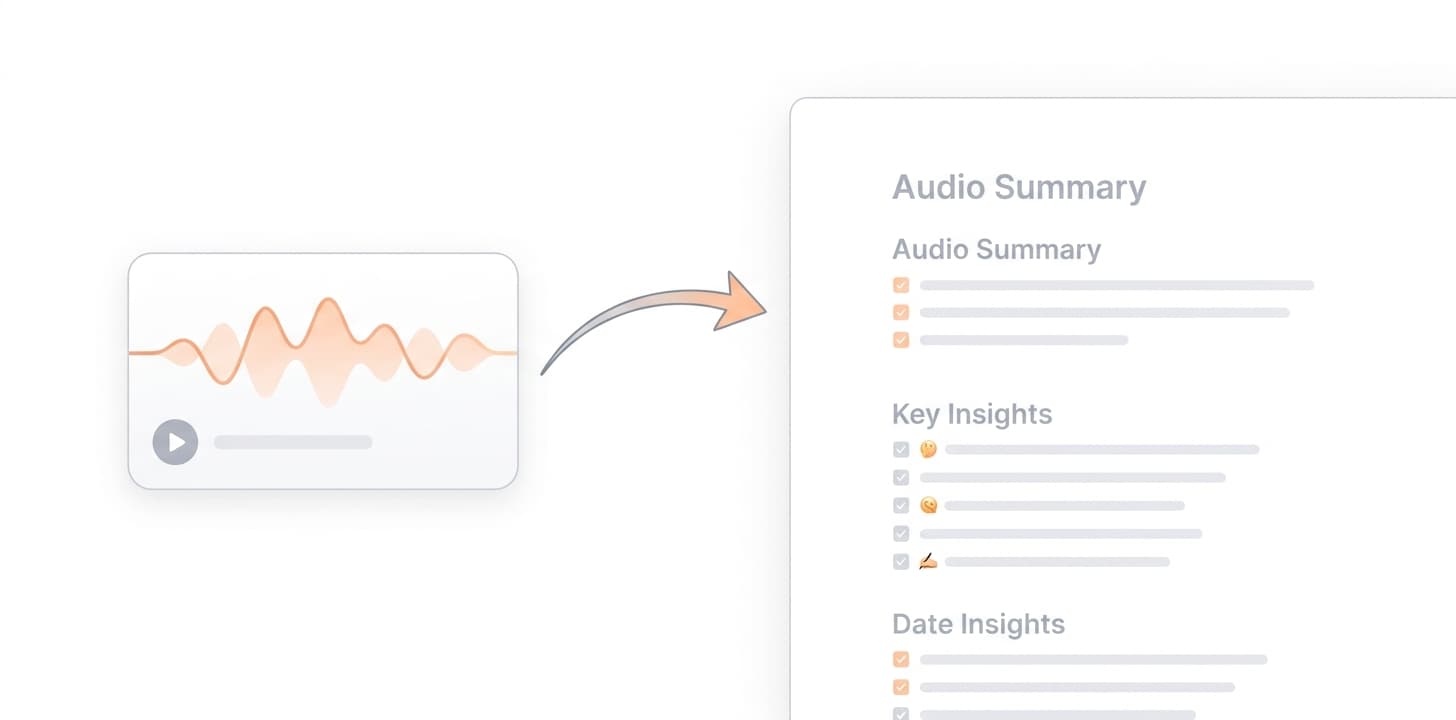
Wave records the conversation. Notion is where the team's notes already live. Send a Wave summary to Notion and it lands as a structured page in the database you choose — title, date, headings, action items.
Wave for Notion
Export summaries as structured Notion pagesPick a Notion database or parent page. Wave creates a new page with the summary's headings, bullets, and action items intact.
Preserve the summary template structureWhatever template you used in Wave — meeting notes, action items, sales call, custom — its sections become headings inside the Notion page.
Includes a link back to the Wave sessionEach Notion page links back to the original Wave session so anyone reading can open the full transcript or replay the audio.

How to set it up

  1. Open Wave and go to Settings → Integrations.
  2. Click Connect Notion and authorize the workspace.
  3. Grant access to the database or page Wave should write to.
  4. From any Wave session, tap Share → Notion and confirm the destination.

Full walkthrough: Notion setup in the Wave Help Center

Who it’s for

  • Teams running their meeting notes hub in Notion
  • Operators and consultants with client databases per engagement
  • Founders keeping a single source of truth in Notion

Things to know

Frequently asked

Does Wave have access to my whole Notion workspace?+

No. Notion's permissions model is page-by-page. Wave can only read or write to the specific pages and databases you explicitly share with it during connection.

Can I send summaries to a specific Notion database with custom properties?+

Yes. Pick a database during setup. Wave creates a new page in that database, and you can configure default property values for each export.

Will the transcript come along with the summary?+

You choose. Export just the summary, the summary plus transcript, or just the transcript — selectable per export.

Can I disconnect Notion later?+

Yes, from Settings → Integrations in Wave, or from Notion's connections page.

Other integrations: Zoom · Google Meet · Microsoft Teams · Google Calendar · Microsoft OneNote · Slack · Zapier

Wave app screenshot showing meeting transcription
Wave AI note taker background pattern
Start today

Wave. Catch every word