Meeting Bot integration

Wave for Zoom

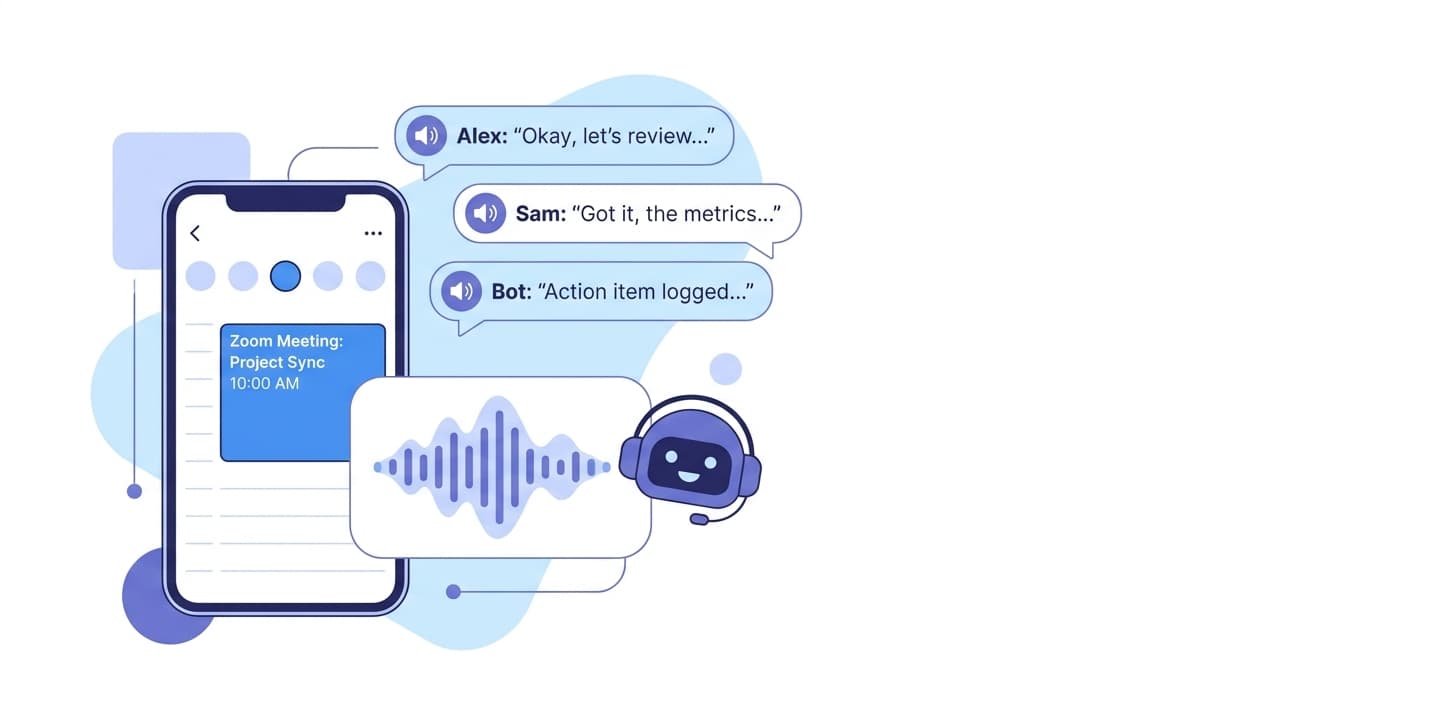
Connect your Google or Outlook calendar and a Wave meeting bot will auto-join every scheduled Zoom call. After the meeting you get a transcript with speaker labels and an AI summary — no manual recording, no missed details.
Wave for Zoom
Bot joins your Zoom calls automaticallyConnect your Google or Outlook calendar once. Whenever a Zoom meeting hits your calendar, a Wave bot joins on time and starts recording.
Speaker-labeled transcriptWave transcribes the call with automatic speaker labels in 76 languages. Voice ID learns recurring participants so they get named correctly across future meetings.
AI summary after the callWhen the meeting ends Wave produces a clean summary using your chosen template — meeting notes, action items, executive summary, sales call, or your own custom format.

How to set it up

  1. Sign in to Wave on iOS, Android, or app.wave.co.
  2. Open Settings and connect your Google Calendar or Outlook Calendar.
  3. Schedule a Zoom meeting on that calendar — any future Zoom invite is automatically detected.
  4. The Wave bot joins the meeting at start time. You may need to admit it from the waiting room depending on host settings.
  5. After the call, the transcript and AI summary appear in your Wave session list.

Full walkthrough: Zoom setup in the Wave Help Center

Who it’s for

  • Sales reps capturing every customer call without manual recording
  • Founders and operators running back-to-back internal Zooms
  • Hiring managers running structured interviews
  • Researchers and consultants logging client and user-research calls

Things to know

Frequently asked

Does Wave record Zoom video, or just the audio?+

Audio only. Wave transcribes and summarizes what was said — it does not capture or store video frames.

Do I need to be a Zoom host to use Wave with Zoom?+

No. As long as the meeting is on your calendar and the host admits the Wave bot, you get the recording — even when you are a guest on someone else's call.

Can I record a Zoom call without sending a bot?+

Yes. On Wave Desktop for Mac and Windows you can record your computer audio directly, capturing both your mic and the system audio without joining a bot. See the Desktop app at wave.co/desktop.

Does Wave work with Zoom Webinars?+

It depends on the webinar configuration. If the webinar allows external participants, the bot can typically join. Restricted webinars may block the bot.

Are my Zoom recordings used to train AI?+

No. Wave does not use your recordings, transcripts, or summaries to train AI models. See the Security page for details.

Other integrations: Google Meet · Microsoft Teams

Wave app screenshot showing meeting transcription
Wave AI note taker background pattern
Start today

Wave. Catch every word